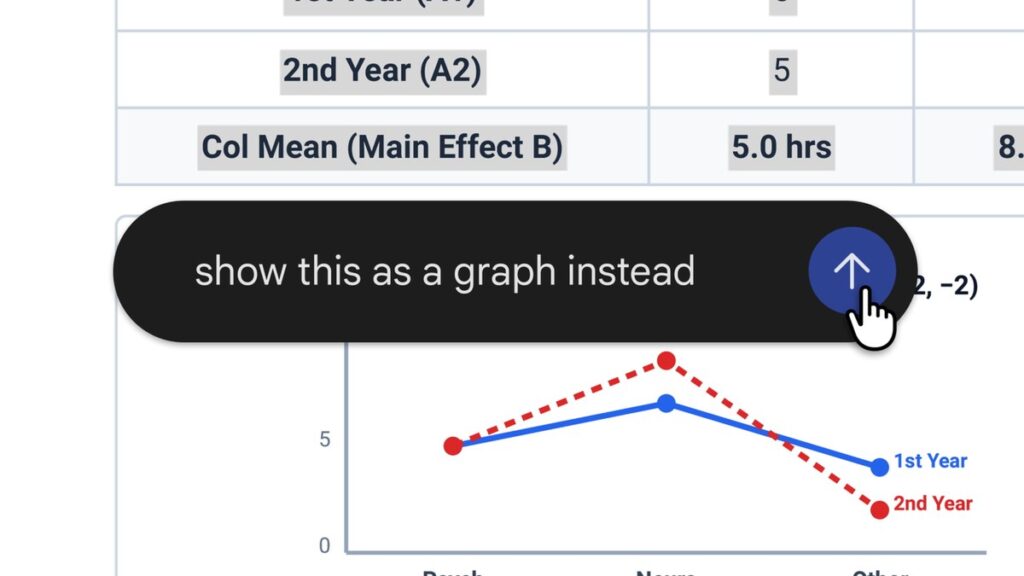
Google has made the Gemini app a place to finish documents, not just start them. Announced on October 29, the update lets users generate, preview and edit documents, PDFs, presentations, spreadsheets and code directly inside a chat, without switching to a separate application.
The change builds on file generation Google introduced in April, when Gemini gained the ability to create PDFs, Word and Excel files and Google Docs, Sheets and Slides from a prompt. Now the file opens inside the conversation. Users can expand it to full screen and type edits directly, highlight a passage to ask Gemini a question about it, or ask Gemini to refine the contents itself.
Google’s example starts with handwritten lecture notes. A student uploads photos, asks Gemini to turn them into a PDF study guide, then edits the result by hand, highlights sections for Gemini to rework and asks follow-up questions, all in the same thread.
There is one platform split worth knowing. PDF preview and editing work on both the web and mobile versions of the Gemini app, while Google Docs, Sheets, slide decks, Markdown, TXT and code files are supported on the web only for now. Google says the capabilities are available to all users in every language where the Gemini app is offered, with no paid plan mentioned in the announcement.
The move puts document editing alongside chatting, which matters for anyone who currently generates a draft with AI and then fixes it somewhere else. Readers can compare Gemini with other assistants in our Gemini and ChatGPT listings, organize finished work with Notion AI, or see how students are using these tools in our guide to the best AI tools for students in 2026.
Source: Google Blog