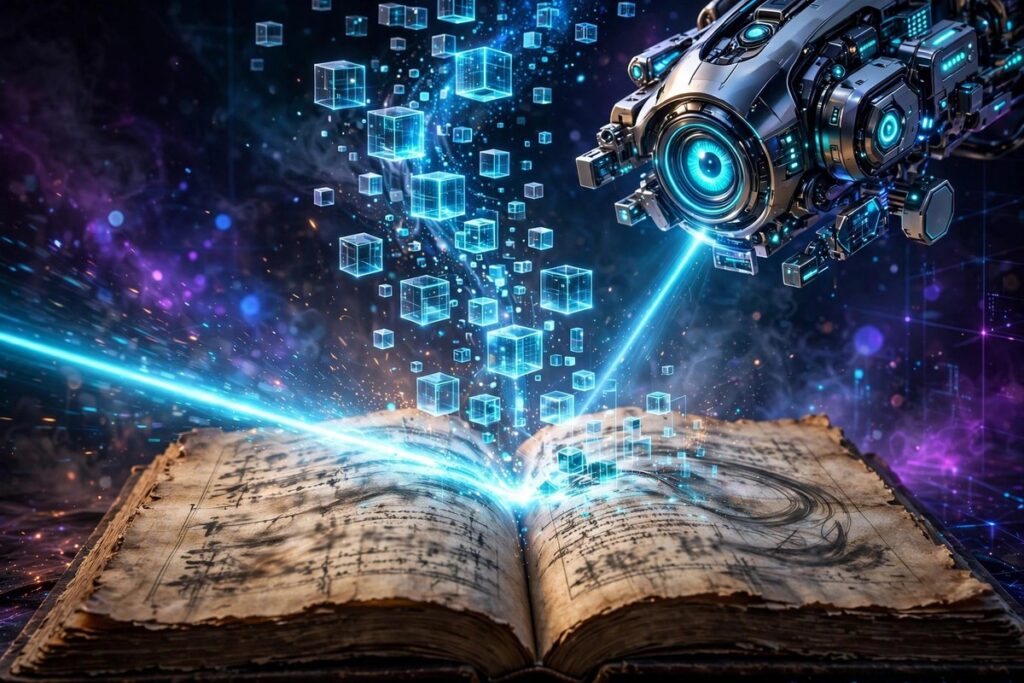
OCR, short for Optical Character Recognition, is technology that reads text inside images and scanned documents and turns it into editable, searchable digital text. Point it at a photo of a receipt or a scanned contract, and it identifies each letter and word — so you can copy, search, and edit what was once just pixels.
How It Works
Think of learning to read messy handwriting: first you squint and tilt the page, then you pick out the letters. OCR software follows a similar routine. It starts by cleaning up the image — straightening tilted scans, boosting contrast, and removing speckles. Then it locates where text sits on the page and slices it into lines, words, and individual characters.
Next, a trained recognition model identifies each character, much like you recognizing letters in an unfamiliar font. Modern OCR uses AI that reads whole words and lines with context, so it can guess a blurry letter from its neighbors — the same way you read a smudged word in a sentence without even thinking about it.
Finally, the software reconstructs the document’s structure: paragraphs, tables, and columns. The output is not just a bag of words but a usable digital document you can search, copy, and edit — turning a flat picture of text back into real text.
Why It Matters
The world still runs on paper: contracts, receipts, medical forms, historical archives. OCR is the bridge that brings all of it into the digital age. A scanned book becomes searchable; a photographed receipt becomes a spreadsheet row; a stack of forms becomes a database instead of a filing cabinet.
It is also an accessibility hero. Scanned documents are invisible to screen readers used by blind readers — until OCR converts them into real text. And it powers everyday conveniences you may never notice: depositing a check by photo, translating a photographed street sign, or searching your photo library for pictures containing specific words.
Real-World Example
An accountant receives a shoebox of paper receipts every month from traveling sales staff. She used to spend a full day typing vendor names, dates, and totals into a spreadsheet, squinting at faded thermal paper. Now she photographs each receipt with her phone.
OCR extracts the vendor, date, and total automatically and drops them into her expense sheet. She spends twenty minutes reviewing the results instead of a day typing them — and every receipt is now searchable, so when the auditor asks about a dinner in March, she finds it in seconds. The shoebox still arrives, but the drudgery is gone.
Popular AI Tools
These AI tools put OCR to work in ways you probably already use:
- Photomath — point your camera at a math problem and OCR reads it instantly before solving it step by step.
- Gauth — a homework helper that reads photographed questions and explains the answers.
- ChatGPT — its vision abilities read text inside uploaded images, from screenshots to whiteboard photos.
Frequently Asked Questions
What is the difference between OCR and a scanner?
A scanner only takes a picture of a page — the result is still an image. OCR goes one step further and actually reads the text inside that image, producing editable, searchable characters. Scanning captures; OCR understands.
How accurate is OCR with handwriting?
Printed text is handled very well, but handwriting remains challenging — neat handwriting works reasonably, messy scrawl often defeats it. Specialized handwriting-recognition models do better, but for critical documents, always proofread the output.
Can OCR read other languages?
Yes. Modern OCR supports dozens of languages and scripts, from Spanish to Arabic to Chinese. Accuracy is highest for widely used languages with plenty of training data, and you may need to tell the tool which language to expect.
What files work best with OCR?
Sharp, high-contrast images and clean PDF scans give the best results. Blurry phone photos, skewed pages, and low-resolution faxes cause the most errors. When accuracy matters, rescan at higher quality rather than fighting a bad image.