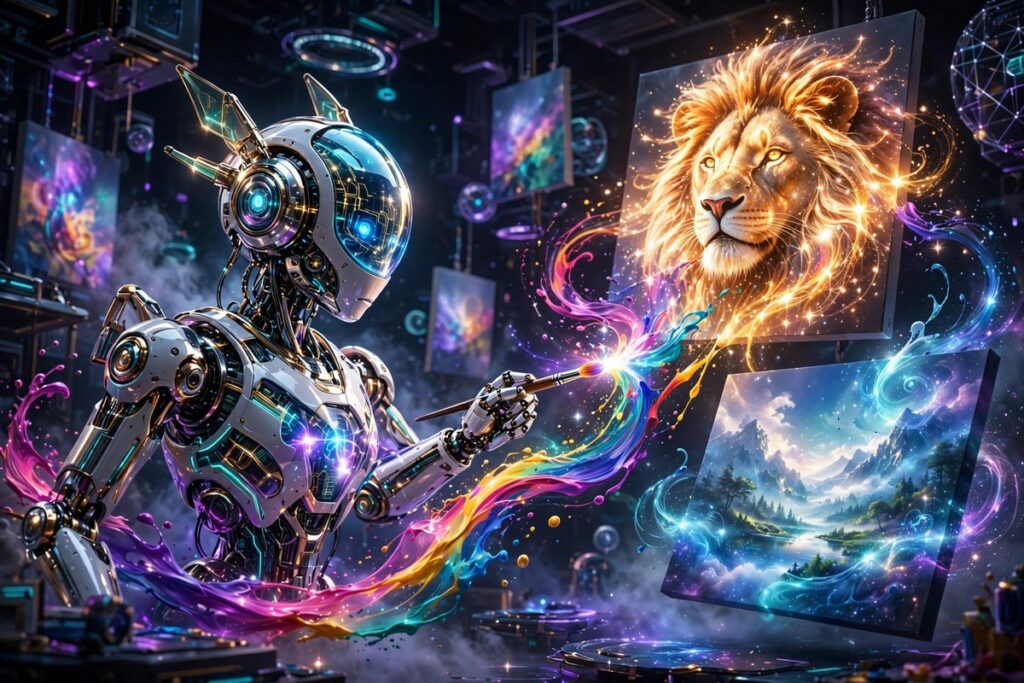
AI image generators have matured into serious creative tools. The best ones now produce photorealistic portraits, consistent brand assets, and concept art that would take a human illustrator hours — in seconds. Here are the top picks from our directory for 2026.
1. Midjourney — Best overall image quality
Midjourney still produces the most beautiful images of any AI generator. Its signature cinematic lighting, rich detail, and artistic coherence make it the choice of designers and concept artists. The Discord-based workflow has a learning curve, but the web app has made it far more approachable. If you want images that make people stop scrolling, start here.
Best for: artists, designers, and anyone prioritizing visual quality. Check their site for current plans.
2. DALL-E 3 — Best for ease of use and prompt understanding
DALL-E 3 (via ChatGPT) is the most forgiving image generator for beginners. It understands natural-language prompts better than any competitor — describe what you want conversationally and it delivers, including accurate text inside images, which most rivals still struggle with. The ChatGPT integration means you can iterate on images in a chat thread.
Best for: beginners, marketers, and anyone who wants great results without learning prompt engineering.
3. Leonardo AI — Best for game assets and consistent characters
Leonardo AI built its reputation on game-ready assets: textures, sprites, and environments with fine control over style. Its canvas editor, character reference features, and trained model options give creators far more control than pure text-to-image tools. The generous free tier makes it easy to experiment.
Best for: game developers, consistent character work, and controlled editing.
4. Canva Magic Media — Best for non-designers
Canva Magic Media brings AI image generation inside the design tool millions already use. Generate an image and drop it straight into a presentation, thumbnail, or social post without switching apps. The quality ceiling is lower than Midjourney, but the workflow advantage is enormous for everyday content.
Best for: social media managers, teachers, and small business owners already in Canva.
Text-to-image vs. image editing: know the difference
Generators like Midjourney and DALL-E 3 create images from scratch. Tools like Leonardo AI also let you edit and iterate on existing images with inpainting and canvas tools. If you need to fix a photo or restyle an asset, pick a tool with strong editing features rather than pure generation.
How to get better results from any image generator
Four rules apply everywhere: (1) be specific about style (“cinematic photo, 85mm lens” beats “nice picture”); (2) describe lighting and mood; (3) iterate — the first result is a draft, refine the prompt; (4) learn negative prompts or exclusion terms where supported. Most tools also let you set aspect ratio — use 16:9 for video thumbnails and banners, 1:1 for social posts, 9:16 for Shorts and Reels covers.
One caution: check commercial usage rights on your plan before using generated images in client work or products. Policies differ between tools and tiers.
Explore more in our Image Generation category, and pair your visuals with voiceover from ElevenLabs for complete content production.
Prompting cheat sheet: from vague to vivid
The difference between amateur and professional AI images is usually the prompt. Compare: “a dog” vs. “golden retriever puppy, golden hour sunlight, shallow depth of field, 85mm portrait photography, soft bokeh background.” The second prompt gives every generator dramatically more to work with. Build prompts in layers: subject + style/medium + lighting + mood + technical details (lens, aspect ratio, resolution).
Each tool has its own dialect. Midjourney responds well to style parameters and aspect-ratio flags. DALL-E 3 prefers plain conversational description. Leonardo AI rewards detailed negative prompts. Spend an hour learning your chosen tool’s prompting conventions — it pays off in every image you make.
Free options: what costs nothing in 2026
You can start generating images today without paying. Leonardo AI offers a generous daily token allowance. Canva Magic Media includes monthly generation credits on free Canva accounts. DALL-E 3 access comes with ChatGPT’s free tier (with daily limits). Free tiers are perfect for learning and for low-volume needs like the occasional blog header or social post — upgrade only when volume or commercial rights demand it.
Common mistakes beginners make
Three traps catch almost everyone. First, overprompting — stuffing twenty adjectives into a prompt usually produces muddy results; start simple and add detail iteratively. Second, ignoring seed and remix features — when a result is close but not right, use variations or remixing rather than starting over. Third, wrong aspect ratio — generating square and cropping to widescreen destroys composition; set the ratio before you generate. Master these three and your output quality jumps immediately, whatever tool you use.
Bottom line: Midjourney for maximum beauty, DALL-E 3 for ease, Leonardo AI for control, Canva for speed. Learn prompting and any of them will serve you well.