Speech-to-text is AI technology that converts spoken words into written text. It listens to audio — a meeting, a lecture, a voice note — and transcribes every word automatically. Modern systems handle accents, background noise, and multiple speakers, making it far more accurate than the dictation tools of the past.
How It Works
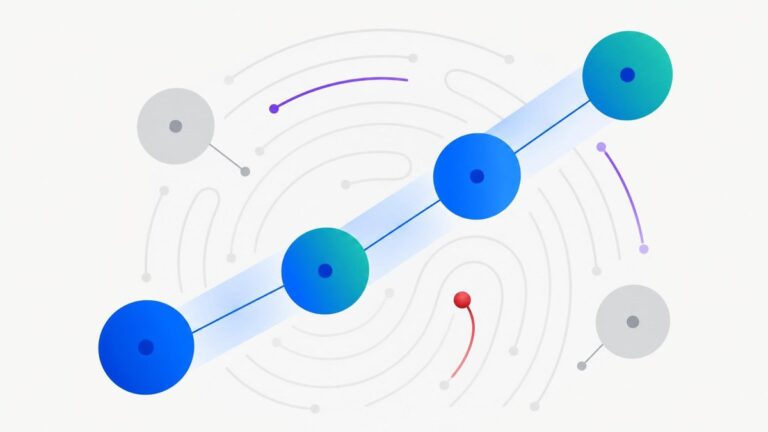
Imagine a super-fast court stenographer who never gets tired. The system first chops audio into tiny slices and converts each slice into a sound fingerprint. A trained acoustic model then guesses which sounds — and therefore which words — each fingerprint represents, using surrounding context to choose between similar-sounding options like “there” and “their.”
A second component, the language model, acts as an editor. It knows which word sequences make sense in real language, so it polishes the raw guesses into fluent sentences and adds punctuation. This two-step teamwork — hearing the sounds, then understanding the language — is why modern transcription reads naturally instead of like a jumble of guessed words.
Training on thousands of hours of diverse speech — different accents, ages, and background noises — is what made today’s systems so reliable. Many also perform speaker diarization, a fancy term for labeling who said what, so transcripts show “Speaker 1” and “Speaker 2” automatically.
Why It Matters
Speech-to-text quietly powers huge parts of modern life. It generates the captions that make videos accessible to deaf and hard-of-hearing viewers. It turns meetings into searchable notes, lets doctors dictate patient records instead of typing them, and gives voice assistants their ears. Anywhere speech needs to become searchable, shareable text, this technology does the heavy lifting.
It also unlocks archives. Decades of recorded interviews, lectures, and calls become useful the moment they are transcribed — you can search a thousand hours of audio for one sentence in seconds. What was once locked inside recordings is now as searchable as a document.
Real-World Example
A journalist interviews three experts for a feature story — ninety minutes of audio in total. In the old days, she would replay tapes for days, pausing constantly to type quotes. Instead, she runs the recordings through a transcription tool and gets searchable text in minutes, with each speaker labeled.
She finds every key quote by searching keywords, checks context around each one, and drafts her article the same evening. The transcription is not perfect — she fixes a misheard name or two — but a week of tedious work collapses into an afternoon. That time saving is why transcription tools have become standard equipment in newsrooms, law offices, and research teams.
Popular AI Tools
These tools turn meetings, interviews, and recordings into accurate, usable text:
- Otter.ai — live meeting transcription with speaker labels, summaries, and searchable archives.
- Descript — an audio and video editor built around transcripts: edit the text, and the media edits itself.
- Fireflies.ai — an AI meeting assistant that joins your calls, transcribes everything, and extracts action items.
Frequently Asked Questions
How accurate is speech-to-text today?
On clear audio, leading systems get the vast majority of words right — good enough that light proofreading suffices. Heavy accents, crosstalk, jargon, and background noise still cause errors, so always review transcripts used for anything important.
Does it work with accents and background noise?
Far better than it used to. Training on diverse global speech has made modern systems robust across accents, and noise-reduction handles moderate background sound. A quiet room and a decent microphone still help enormously, though.
What is the difference between transcription and captioning?
Transcription converts speech to a text document, usually for reading or searching later. Captioning syncs that text to video timing so viewers can read along. Many tools do both: transcribe first, then generate timed captions from the transcript.
Is my audio stored or kept private?
It depends on the service. Most cloud tools process audio on their servers and may retain it according to their privacy policy — check whether they offer deletion or enterprise privacy tiers before uploading sensitive recordings like legal or medical conversations.