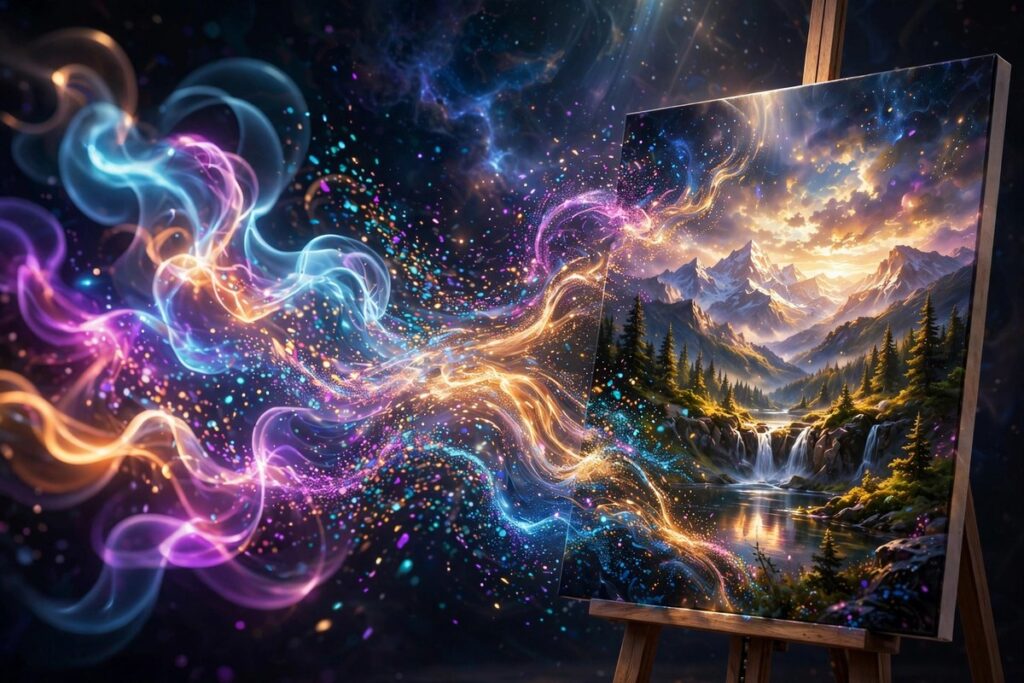
Text-to-image AI turns written descriptions into pictures. You type a prompt like ‘a lighthouse at sunset in watercolor style,’ and the model generates a brand-new image matching your words. It learned from millions of image-and-caption pairs, so it understands how objects, styles, and scenes connect to language.
How It Works
Imagine an illustrator who has studied millions of pictures and their captions. Text-to-image models train on enormous collections of images paired with descriptions. During training, the model learns to reverse a process: it starts from pure visual noise and, guided by your words, removes the noise step by step until a coherent picture emerges — like watching a blurry photo slowly come into focus.
Your prompt acts as the steering wheel. Words like “watercolor,” “cinematic lighting,” or “aerial view” push the generation toward specific styles and compositions, because the model learned which visual patterns those words appeared with during training. Detailed prompts give the model more guidance; vague prompts leave more to chance, which is why two people typing “a dog” can get wildly different results.
Modern tools add extra controls on top of this core trick. You can upload a reference image to borrow its style, mask part of a picture to repaint just that area, or set an exact aspect ratio for social posts. But underneath every feature, the same magic is happening: learned associations turning language into pixels.
Why It Matters
Text-to-image AI puts illustration within everyone’s reach. A blogger can create a custom header image, a teacher can generate visuals for a lesson, and a startup can mock up ad concepts — all in seconds, without hiring a designer or learning complex software. Creative experimentation that once cost real money is now nearly free.
The technology also raises honest questions. Artists worry about their style being imitated and their livelihoods shrinking, while the ease of creating realistic fake images fuels misinformation concerns. Like most powerful tools, text-to-image AI is neither purely good nor bad — its impact depends on how thoughtfully people use it.
Real-World Example
A small bakery owner needs a logo and social media graphics but cannot afford a designer. She types “cute cartoon croissant mascot, warm bakery colors, simple flat style” and gets four options in under a minute. None is perfect, so she refines the prompt twice — adjusting the colors and simplifying the shape — and lands on a mascot she loves.
By that afternoon she has a full set of branded images: a profile picture, post templates, and a menu header. A task that once took weeks of back-and-forth with a professional, on a budget she did not have, is finished before dinner. That speed is why millions of small creators now start their design process with a prompt.
Popular AI Tools
These are the image generators most people start with, each with its own strengths:
- DALL-E 3 — OpenAI’s image model, known for following detailed prompts closely and handling text inside images well.
- Midjourney — a community favorite for artistic, stylized, and highly polished visuals.
- Stable Diffusion — an open model you can run and customize yourself, popular with tinkerers and developers.
Frequently Asked Questions
Who owns the images AI generates?
It depends on the tool and where you live. Many services grant you broad rights to images you create, including commercial use, but laws are still evolving and differ by country. Check your chosen tool’s terms before using images in a business.
Why do AI images sometimes have weird hands or garbled text?
Hands have complex shapes that appear in countless positions, making them statistically tricky, and tiny rendered text is easy for the model to garble. Newer models are much better at both, but odd fingers and misspelled signs still slip through — always inspect closely.
Can I use AI-generated images commercially?
Often yes. Most major tools allow commercial use of images you generate on paid plans, but free tiers sometimes differ. Read the license terms of the specific tool, and avoid generating images that imitate living artists’ distinctive styles for commercial work.
How do I write a good prompt?
Be specific: name the subject, the style, the lighting, the mood, and the composition. “A cozy cabin in snowy woods, warm glowing windows, watercolor, peaceful evening mood” beats “a cabin.” Then iterate — small tweaks teach you what the model responds to.