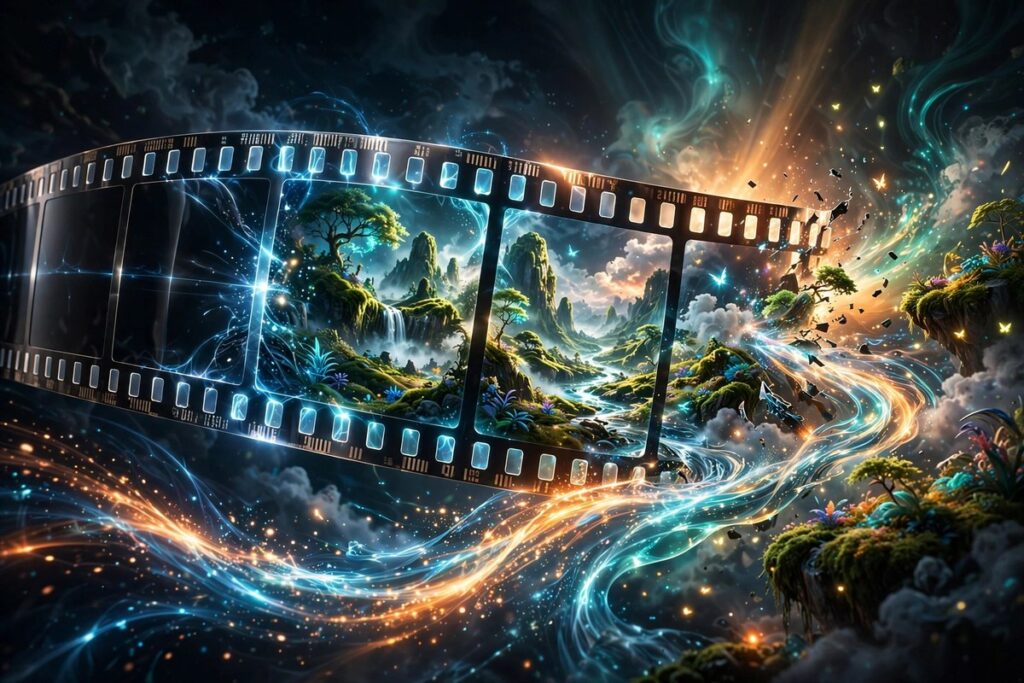
Text-to-video AI creates short video clips from written prompts. You describe a scene — for example, ‘a drone shot gliding over snowy mountains at dawn’ — and the model generates moving footage to match. It predicts how objects should move frame by frame, producing clips that look filmed rather than drawn.
How It Works
Picture a flipbook: a stack of drawings where each page shows a scene moved just slightly forward. Text-to-video models learned from countless video clips paired with descriptions. Given your prompt, the model first imagines a starting frame, then predicts how every pixel should shift in the next frame, and the next — drawing a flipbook where each page must logically follow the last.
The hardest part is consistency. A character’s face, a car’s color, or a room’s layout must stay stable across seconds of motion. Early models produced dreamy, morphing clips where objects melted into each other. Newer systems keep a stronger memory of the scene and model motion more carefully, so objects persist and movement looks physically plausible.
Most tools generate short clips — a few seconds at a time — which creators then stitch together, extend, or edit. Longer scenes are built in segments and blended, much like films are shot in separate takes and assembled in editing. The technology is young, but the jump in quality over the last couple of years has been dramatic.
Why It Matters
Video is the most powerful format online, and also the most expensive to produce. Text-to-video lowers that barrier: a solo creator can generate establishing shots, product demos, or animated explainers without cameras, actors, or editing suites. Storyboard artists can visualize scenes before a single frame is filmed, saving productions real money.
As with image generators, realism brings risks. Convincing fake video makes misinformation easier, which is why many tools add invisible watermarks and restrict generating real people’s likenesses. The creative upside is enormous, but viewers will need sharper eyes — and platforms will need clearer labels — as the line between filmed and generated keeps blurring.
Real-World Example
A teacher wants a vivid opening for her lesson on volcanoes. She types “slow aerial orbit around an erupting volcano at dusk, glowing lava, cinematic” and receives a five-second clip. She generates three variations, picks the most dramatic one, and plays it as her lesson hook.
Students who would have skimmed a textbook paragraph watch a volcano erupt in front of them, and the class leans in. The whole thing took ten minutes and cost nothing. She could never have filmed a real eruption — but she did not need to. The clip did exactly what a great opening should do: make everyone want to learn what happens next.
Popular AI Tools
These video generators represent the current state of the art, from cinematic clips to presenter-led videos:
- Runway — a creative suite whose video generation tools are widely used for cinematic, stylized clips.
- Pika — known for accessible, playful text-to-video generation with strong community sharing.
- Synthesia — generates presenter-led videos with realistic AI avatars, popular for training and corporate content.
Frequently Asked Questions
How long can AI-generated videos be?
Most text-to-video tools produce clips of a few seconds per generation, though some can extend scenes longer. Creators typically generate multiple clips and edit them together for anything beyond a short spot — full AI-made movies are not here yet.
Why does motion sometimes look weird or “melty”?
Keeping every object consistent while it moves is computationally hard. When the model loses track of a shape between frames, you get morphing faces or melting backgrounds. Newer models handle this far better, but complex action scenes still challenge them.
Can text-to-video replace human filmmakers?
Not for storytelling that matters. The tools excel at short visuals, b-roll, and concept work, but directing performances, pacing a narrative, and making creative judgment calls remain deeply human jobs. Think of it as a powerful new camera, not a replacement director.
What is the difference between text-to-video and AI avatars?
Text-to-video generates any scene from a description — landscapes, objects, animation. AI avatar tools focus on one thing: a realistic digital presenter who speaks your script. Avatars are ideal for training videos; text-to-video is for everything visual.